
Sometimes. It depends almost entirely on how repetitive your work is and how long your printer stands still, and hardly at all on how much you print. This page works it out with your numbers rather than ours.
Before the calculator, the two things it is measuring. The first is interruption: the minutes you lose noticing a job has finished, walking over, clearing the bed and starting the next one. The second, and usually the larger, is idle machine time: the hours between a job finishing at midnight and somebody restarting it in the morning or even after a weekend. A plate changer removes both. It does not remove the time you spend taking parts off plates — that stays exactly as it is and therefore it’s not represented in our calculator.
Need some inspiration?
Here are some example showcases with preset values. Just klick on the "Calculate" button and see what comes. Feel free to play around with the numbers and recalculate the result.
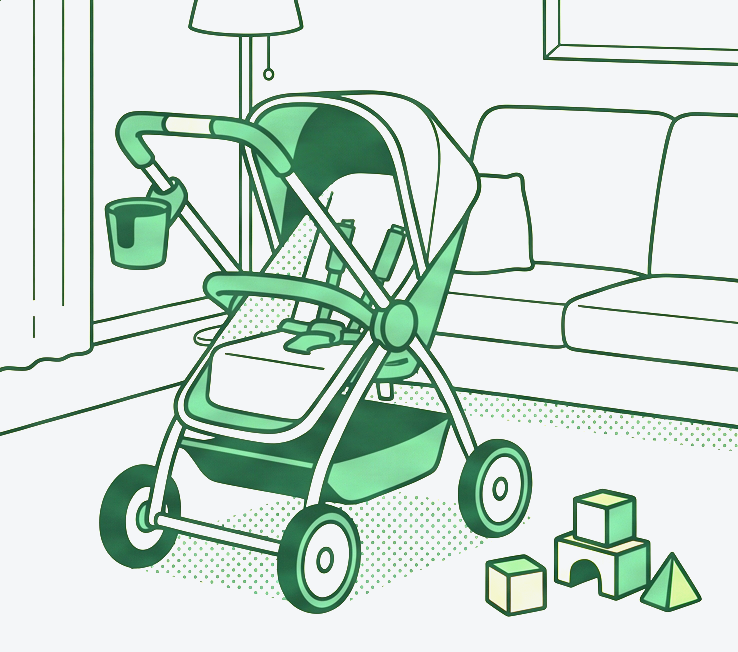
Etsy shop
A young mother runs a small Etsy shop selling compact cup holders for strollers in stylish colors.
[ read more . . . ]
She picks orders during her children's kindergarten hours and restart the printer in the evening. At 12€ per unit, minus material costs, Etsy fees and packaging, she still earns 6€/unit while selling 180 units a month. Four units fits on a plate, resulting in 45 plates at 10 hours per plate.
Demand suddenly rose to 200 last month. She is considering buying a second printer. Is it the best option? She finds it annoying having to restart the printer every evening. Will automation help?

In-house manufacturing
An outdoor gear company brings production of small backpack clips in-house to cut lead times.
[ read more . . . ]
Each clip saves 2,10€ versus outsourcing. They need 3,000 clips a month, printing 24 per plate, resulting in 125 plates at 9 hours per plate. To fit current design line, the clips needs to be multi colored and printed with dry PETG. Therefore printers with AMS2 pro are required, which makes the setup a bit more pricy than just a printer. How many printing units would they need to meet this demand? Would automation be a possible alternative?

School
A middle school teacher runs an elective in which pupils learn how to construct and 3D print objects.
[ read more . . . ]
All 28 pupils want to finish their final projects during the last two weeks (10 school days) of the course. Each project requires a full plate, taking 3–4 hours per plate. The school has only two printers that can be used for eight hours a day (7 am to 3 pm) during class time. The teacher can start the printer before classes in the morning as part of a daily routine, but restarting it with the next project around 11 a.m. is not possible with his schedule. Overnight or weekend operation is not allowed in the school. Would an automated printer solve the bottleneck?

Cosplay project
A student prints cosplay armor on a large printer kept at his parents' house, since it doesn't fit in his dorm room.
[ read more . . . ]
Parents live 90 minutes away. He can only visit on weekends to reload and restart it. His costume needs 10 individual pieces, one per plate, at approximately 30 hours per piece. The event is in one month. With only 2 restarts a week, he might not finish in time, especially if a print fails and needs a redo (means +1 additional print) . Would automating his printer with only one additional plate in the magazine save his timeline?

Orthopedic Workshop
A small orthopedic workshop prints custom hand splints.
[ read more . . . ]
They one unique piece per plate, averaging 11 hours per plate. Currently 40 splints are made a month, each earning 85€ profit after materials and depreciation. The technician works during business hours only and can't manage prints overnight. Therefore two printers are running in parallel. Would one automated printer with only two plates make same job?
A new hospital partnership pushes demand to 65 splints a month, and patients often need them urgently. Can current capacity of two printers keep up? Do we need more printers? Or should we just give 5 more plates to our automated one?
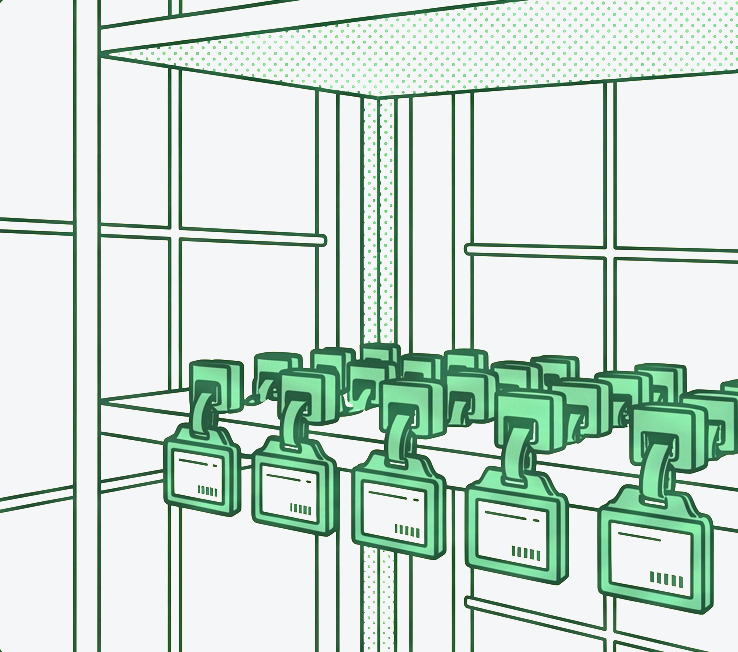
Contract manufacturer
A local 3D printing shop operator is bidding for a contract with a regional retailer.
[ read mode . . . ]
The retailer opens new brunch in a month and needs 5000 custom shelf clips for an e-ink price tags. A competitor from a low-wage country offers a lower price, even after customs, but see shipping takes 5 weeks while air freight partly offsets the price advantage and made the sample approval complicated. The local shop's only edge is speed, because of zero freight time. His workshop is a rented garage with 12 automated printers and it's actually a side business, next to his regular full time job as system administrator. But remote control and monitoring is his area of expertize, so he visits his workshop only once a day to reload the plates. Each clips earns 2€ profit, 4 units fit per plate, requiring 1250 plates at only 2.5 hours per plate. The client's deadline is two weeks. Will it work?
Your figures explained
Quantity of parts
Count of parts to be used for a calculation. You can use an amount of your past print job if you do contract manufacturing or a quantity of your usual batch if you produce your own products. To keep it simple we count here one part per plate so if you need to produce 100 parts for instance and print 4 parts per plate, then use 25 as quantity.
Profit per part
This is an optional value that adds real profit numbers to the entire calculation. This number is multiplied by production volume to show how much can potentially be earned in both scenarios. This estimation is based on the assumption that all produced pieces can be sold.
Production time
Here, you can specify how long it takes to print a plate with your part(s). If your parts require a slow cool-down period after printing (as rapid cool down can sometimes lead to the deformation of delicate geometry), you can include this in the production time (8h printing time + 0.25h optional cooldown = 8,25h total production time) .
Setup time
Regardless of whether you are running automated or manual production, you still need someone to take note of finished print jobs or magazines running out of build plates. This value is the estimated time it takes for a responsible person to reach the machine and resume production. This person will usually be doing other tasks in your production and will probably be interrupted while doing so. The aim of this calculator is to show how often this situation will occur in both cases.
Operating days and hours
Here, you can specify whether your business is open during regular operational hours from Monday to Friday, 8 a.m. to 4 p.m., or if you have other operational times or a part time employee who manages the printers. Click “Customize” to specify it more precisely. This is actually a very powerful feature of the calculator. It can help you identify the 'sweet spot' for efficiency by determining the minimum number of working days and hours required to 'babysit' your automated production. Feel free to play around with these values.
Manual Operation
The only variable here is the number of 3D printers you want to use for the calculation. Increasing this value will show whether buying more printers is more cost-effective than automating fewer printers. It's also fun to experiment with this number.
Automated Operation
Here, you can also set the number of automated machines and the amount of plates in the magazine. The default value of 6 plates is a good place to start, but you can increase this to a maximum of 8 (for the A2L) or 15 (for the A1 mini). The changeover time for the plates is usually under one minute, but we have left this calculation out as the printer usually saves even more time if the heatbed stays warm and doesn’t need to be heated up again.
Calculated values explained
Days until completion
This value simply calculates how long it will take to produce the required number of parts. Here, you should already see the first significant benefit of automation, which is that you can achieve your goal faster. If this number is higher than 1, it means that you have already compensated for the time spent printing all the parts needed to build a swapmod for your printer.
Time per part
Unlike the 'printing time' in your slicer, this value calculates the 'real' manufacturing duration of your part, including any associated downtime. When you compare the values, you will possibly recognise that automation, like swapmod, acts like steroids for your printer.
Downtime
This values shows you an unused potential of the production setup. When you considering buying another printer, think about this numbers. In manual manufacturing setup you can not really utilize this this potential, unless you increase or fragment your operational time. In automated setup you can simply increase the number of plates in your magazine.
Downtime phases
This number shows how often your printer cools down and then warms up again. Reducing this time through automation, where cooling down is not necessary (although still possible), will save electricity and money. You can also view these savings as a form of amortisation of the energy required to print swapmod parts.
Potential profits
This values are highly speculative as these are based on a "perfect" case, where nothing goes wrong and you have no further expanses. Therefore, these numbers should be viewed more as relative than absolute values. But the difference should already be more than enough to cover your expanses for swapmod and stack of plates. If not, than maybe it's to early for an automation in your particular case.
Potential loss due to downtime
The emphasis here should clearly be on the word 'potential'. This is especially true when your business bottleneck is sales rather than productivity. As with the 'Downtime' value above, this figure represents the potential for growth rather than actual profit.
Timeline chart
This is the fun part of the calculator, as it literally visualises both production processes side by side. At a glance, you can see how much faster the automated setup accomplishes production and how many downtimes, represented by grey areas, occur in the manual production setup.
What this calculator does not count
- Printing queue scheduling. Our in-house solution to kick-starting your plate-changing automation is a simple app that builds a queue file. This file can run for multiple days, but not endlessly. Once the queue is finished, it needs to be restarted. More advanced alternatives that can make your printer run (theoretically) endlessly are print management tools that can be used with swapmod.
- Failed plate changes. Uncommon, but it can still happen. You will need to troubleshoot and restart the printing queue. This will result in downtime and personal time, which has not been taken into account here.
- Surveillance and remote monitoring. Trust is good, but control is better. This is especially important to bear in mind when considering the risks of unattended 3D printing, whether automated or not. You decide whether your printer will run over the weekend or get shut down on Friday. Consider safety measures and regular monitoring.
- Harvesting. Unchanged. You take the parts off exactly as often as before.
- Output you cannot sell. Capacity that produces unsold stock is a cost, not a saving. This is the most common way these calculations go wrong.
Where this does not pay off
- You cannot sell more than you already make. Capacity you do not need is not a saving.
- You print very rarely and usually small projects or prototypes which fit on one plate. In this case, the only reason to purchase a Swapmod would be out of technical curiosity. Simply try it out to see how it works, which can be really fun to watch (similar to water, fire and the first layer :D ). However, from an economic perspective, swapmod makes no sense for you.
- Parts you print are too delicate for regular series production and require inspection during the entire printing process. When for instance you print complicated geometry using very expensive material, where you stick to your printer while the entire first layer and also need to check parts every few minutes/hours - then automation will probably not serve you well.
- You never let your printer print unattended. If you never leave your printer unattended, swapmod will not reach its full potential. You should do your own calculations to check if it makes sense in your particular case.