
Automatic Build Plate Changer for Bambu Lab A1 mini and A2L
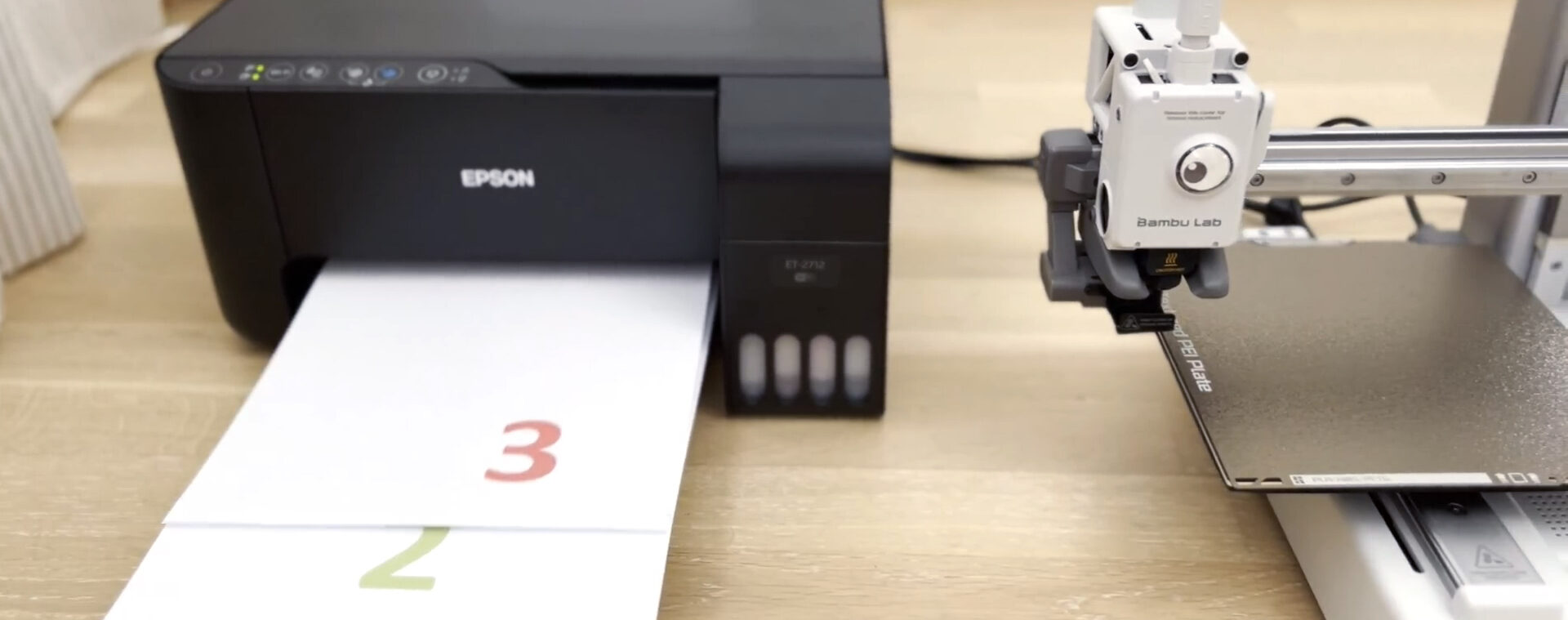
Your paper printer can print multiple pages.
Why shouldn’t your 3D printer?
Introducing
swapmod
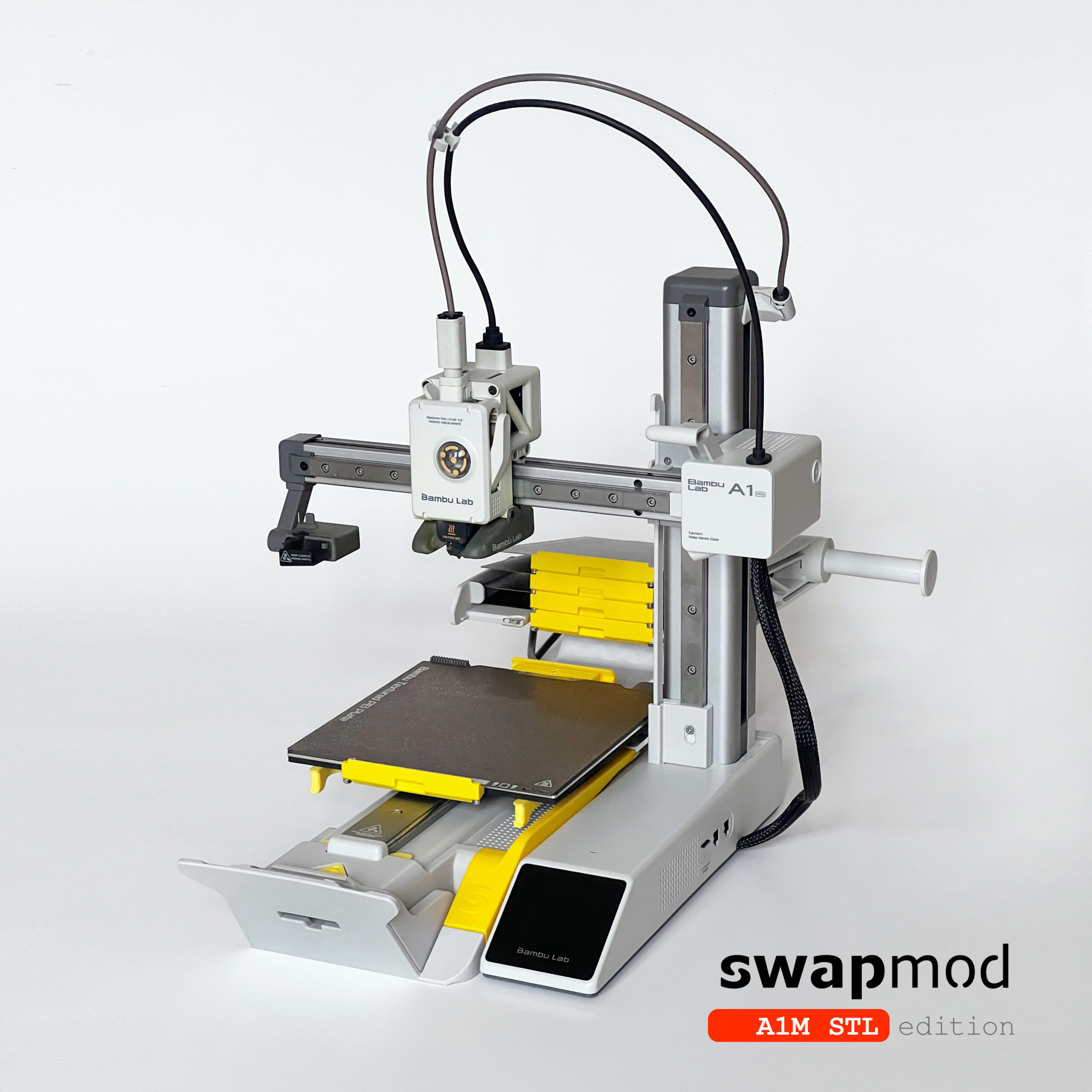
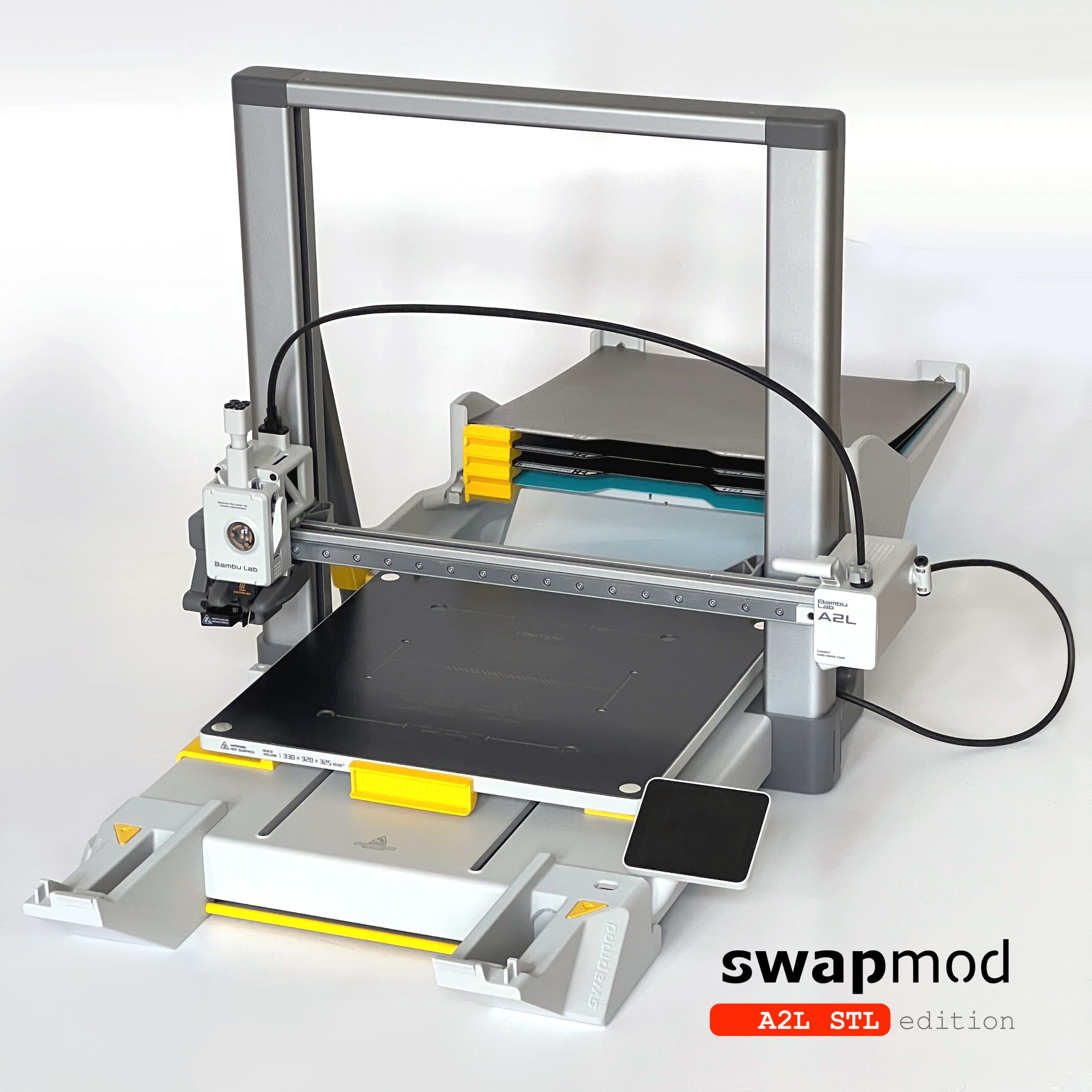
Swapmod is a plate-changing add-on for the BambuLab A1 mini and A2L. It ejects the finished build plate, loads a fresh one from a magazine and carries on printing — no one needs to be standing there. Nine plates in the magazine give an A1 mini the same effective print area as a 54 × 54 cm bed. There are no motors, no wiring and no electronics: everything clicks together from printed parts and a handful of standard screws and magnets..
- Automated plate changing
- Efficiency tool for high performance
- Easy to build and install
- Detailed video instruction
- No electronics used
- German engineering

Why you need swapmod?
Print multiple plates in a single job
Stop cramming every part onto one plate just to avoid a restart. With swapmod your A1 mini scales up to a “maxi”: the only real size limit is your largest single piece. Nine plates in the magazine add up to an effective print area of 54 × 54 cm, and you can reload ejected plates mid-print if a job runs longer than the magazine holds.
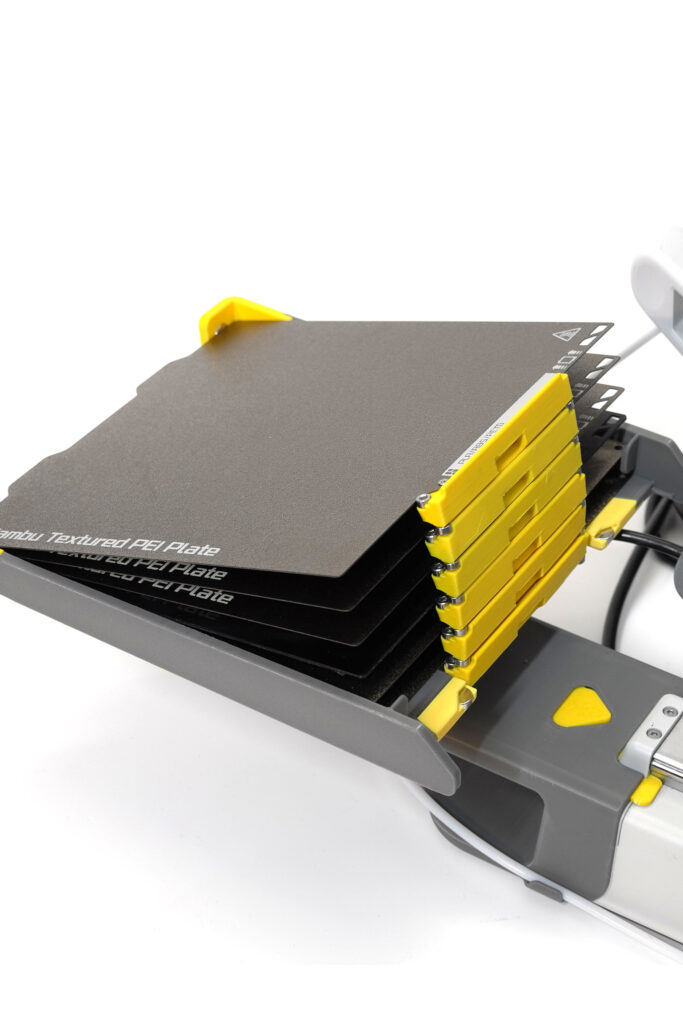
Gain more comfort
You still take the finished parts off the plate yourself — but on your schedule, not the printer’s. No more setting an alarm to start the next job before a deadline. Your swapmodded printer keeps working while you don’t.
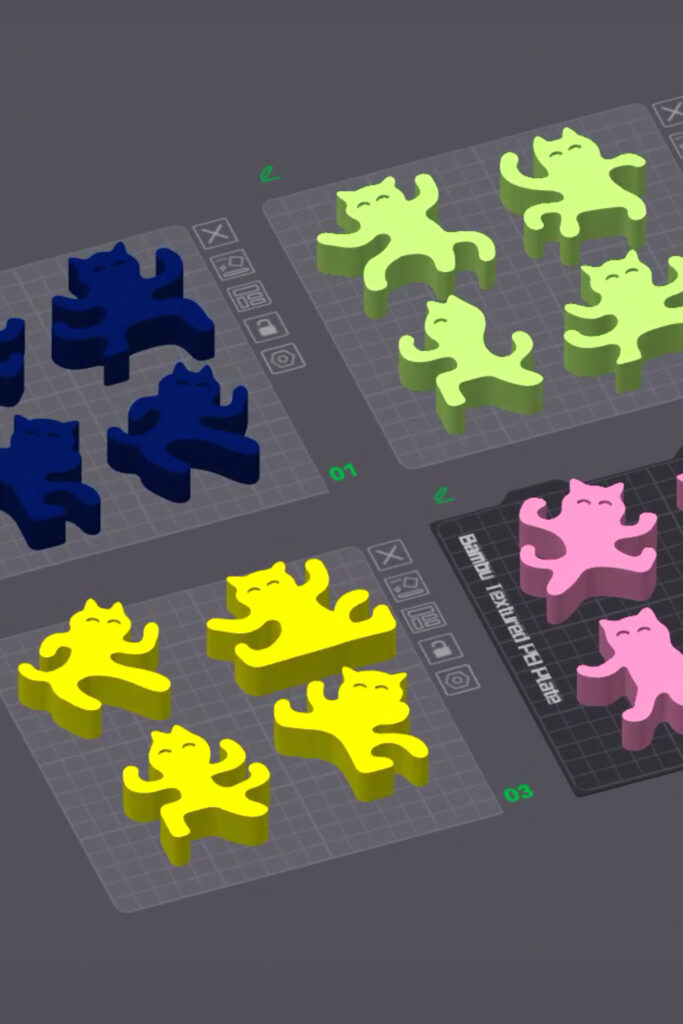
One colour per plate, far less waste
Printing several colours on a single plate burns filament and time on constant material swaps. Give each colour its own plate and the purge waste largely disappears.
Model: “Ninja Cats Stacking Balance Game” by Valeria Momo & Mattia / Source: Makerworld
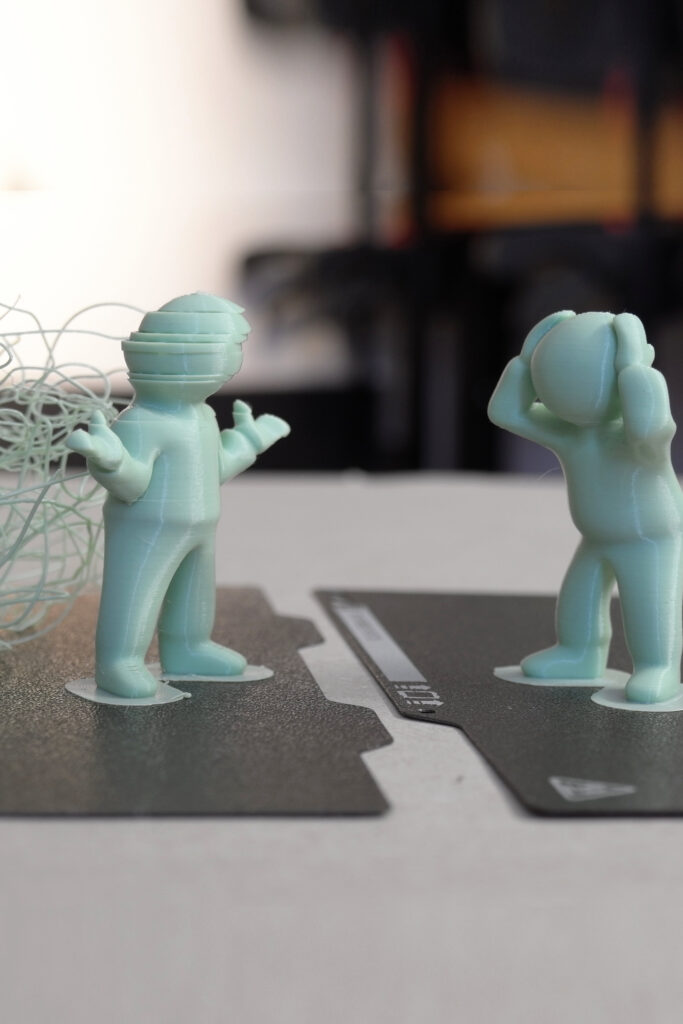
Spread the risk across separate plates
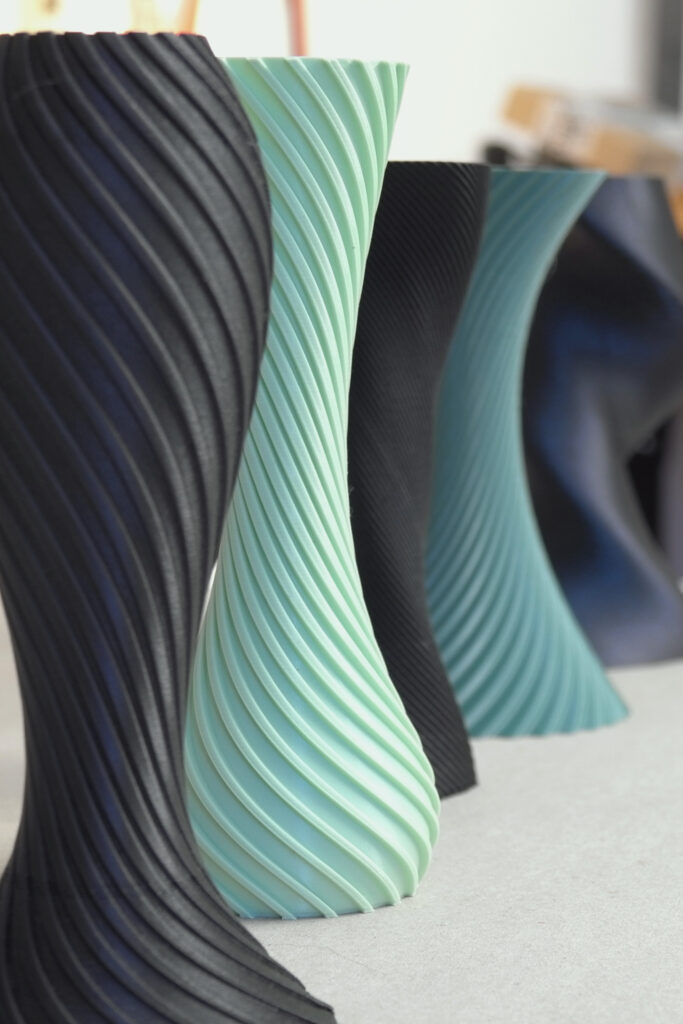
One failed part can ruin a whole plate. Distribute your parts across several plates and a failure stays contained — useful for troublesome geometry, delicate surface finishes and vase-mode prints.
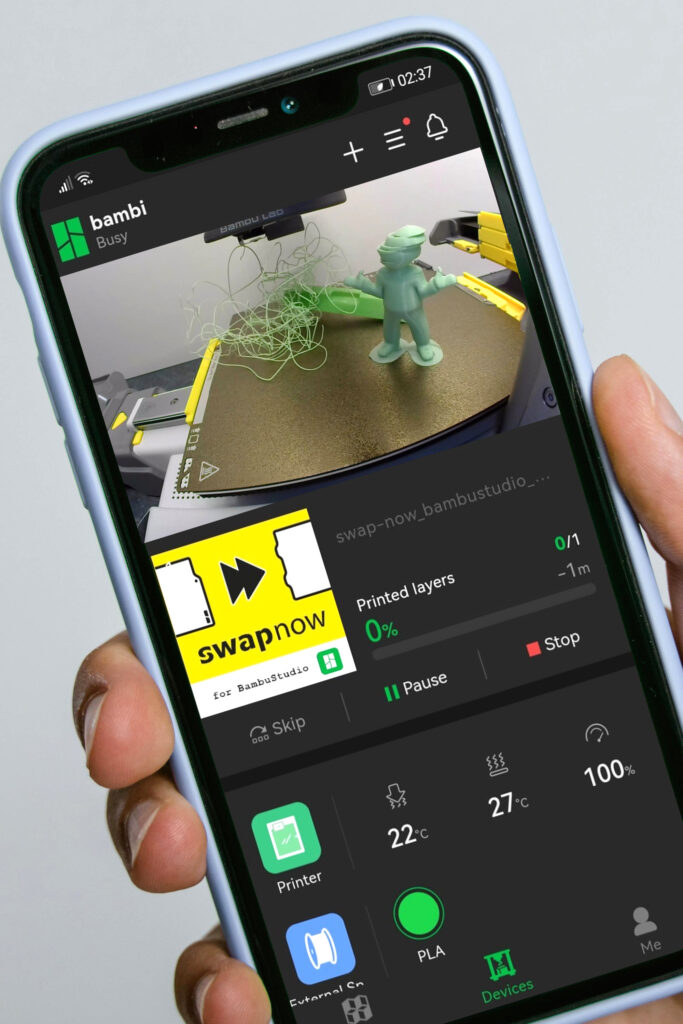
Swap plates and restart from anywhere
swapmod gives you genuine remote operation through the connectivity your printer already has. A “swapnow” file contains no print data at all — it simply tells the printer to eject the current plate and load the next one. Send it from your slicer or the Handy app and you have effectively reloaded your printer from the other side of the country.
Turn a hobby printer into small-batch production
Labour is the real bottleneck in 3D printing. Someone has to clear the plate and start the next job, which makes scheduling awkward and scaling expensive. swapmod removes that step, so machine downtime stops being a variable in your costing. If a part takes three hours, you can say with confidence how many you can produce in a week — the maths finally works.
Do you
still have
questions?

Which printers are supported?
Swapmod is currently available for two printers:
- Bambu Lab A1 mini
— swapmod STL edition as download or the legacy hardware kit - Bambu Lab A2L
— STL edition as download
Further plate-changing automations developed by Swap-Systems are distributed by our partners.
- Bambu Lab A1
— JobOx A1 as download at jobox.tech (external shop)
All systems work alongside the AMS, use your normal Bambu Studio or Orca Slicer workflow, and can be removed without leaving a trace on the printer.
* It is not a Bambu Lab product; the name is used for compatibility purposes only.
How does the plate changer work?

Once you have started the print queue, your printer will load a blank plate from the magazine, print on it, and then eject the finished plate and replace it with a blank plate from the magazine. This process is repeated until all the plates in the queue have been printed or the magazine has run out of plates.
What skills are needed to build it?
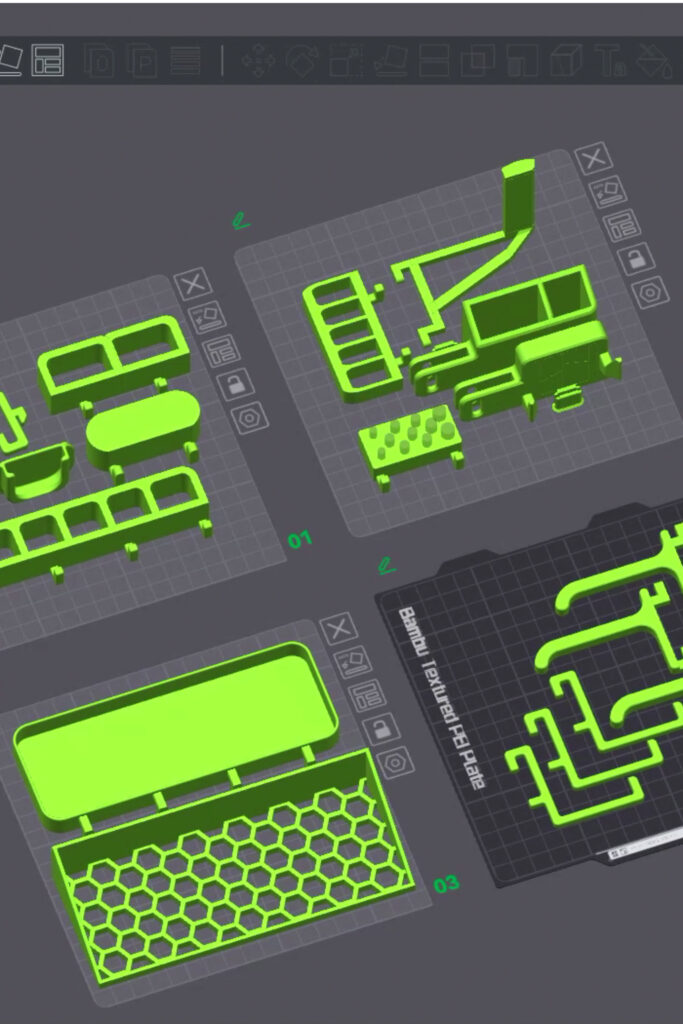

Swapmod has been designed with ease of use in mind, so that almost all of the parts can be simply clicked into place like building blocks. All you need are a few standard screws and magnets, which you can order directly here in our shop or source elsewhere. As there are no complex mechanics, wiring or electronics involved, it’s a nice little project to build together with your kids. All the steps are shown in a detailed video tutorial and a self-test file will help you check that everything is working properly before you start printing.
How does the software works?

To operate with swapmod, you will continue to use your usual slicer (BambuStudio or OrcaSlicer), but before pressing the ‘Print’ button in the top right corner, you will need to complete an additional step. As BambuStudio and OrcaSlicer do not yet support multi-plate printing, our application called “swaplist” will emulate this functionality.
This application runs in any browser, such as Firefox, Chrome or Safari, and is only required for file preparation, not the printing process itself. No installation or subscription is required. The application simply acts as a converter, creating a queue before printing begins, so it doesn’t need to run during the printing process. You can also use it to change the order in which plates are printed and the number of repeats, as well as to combine multiple files into a single queue.
Why are
downloadable
products better ?
- Cost. First of all, it’s the price. Designing it as a digital product is a great way to save money for the manufacturer and the customer. There’s no point in selling printing and assembly time to someone who’s got a 3D printer. It’s like selling bread to a baker!
- Updatable. Nothing’s perfect, and even if you test a product in the lab really well, the real testing starts when thousands of people use it, each with their own habits and ways of using it. Physical products are harder to maintain and update. Once the mould has been made and the product is on the market, it’s really hard to make any changes. We need to change the tools, the way we assemble things and the supply chain. And what about stock that’s already been produced and is sitting in an overseas warehouse? And what about resellers who are still selling the unfixed version? It’s a total nightmare, so any regular manufacturer is going to release updates way less often than a company that sells downloadable products like us. Even if a manufacturer upgrades a product in the next version, you’ll still have the old one.
- Extendable and repairable. Once you’ve bought a file, you can use it on as many printers as you’ve got. Maybe it’s not your goal right now, but if you’re already thinking about automating your printer, it’ll probably not be long before you think about buying a second one. You’ll also be able to easily replace broken parts without having to ask the manufacturer, and you can rest assured that you’ll never be short of spare parts. The only hitch with digital products is that, unlike physical products, you can’t sell them.
- Quality & sustainability. As we all know, the bigger the printed part, the more likely it is that something will go wrong during printing. If the user prints a functional part that’s not perfect, but it works, it’s likely to be used anyway. If the manufacturer has some esthetic flaws in its parts, they’ll probably get thrown away or at least recycled. Otherwise, there’s a good chance you’ll get a complaint or even find pictures of that part on social media or review sites. This is the other side of the “quality control” coin.
- Logistics. Shipping large parts usually means using a lot of air packaging and cushioning material. All this adds to the price and isn’t viable in the long term. It’s much better if most of the product is made locally, because shipping a bag of granules or a spool of filament is always more sustainable than shipping physical products (unless the product is a solid cube).
- Vision. We were pretty keen on the idea of BambuLab’s hardware kits and Cyberbrics from the start. Most of them are just toys for now, but the idea is pretty visionary. It’s a big step towards the next generation of products. I truly believe that in the not too distant future, a 3D printer will be a part of most households, just like a microwave or a fridge.