Description

Swapmod A1m — Automatic Plate Changer for Bambu Lab A1 mini
What swapmod does
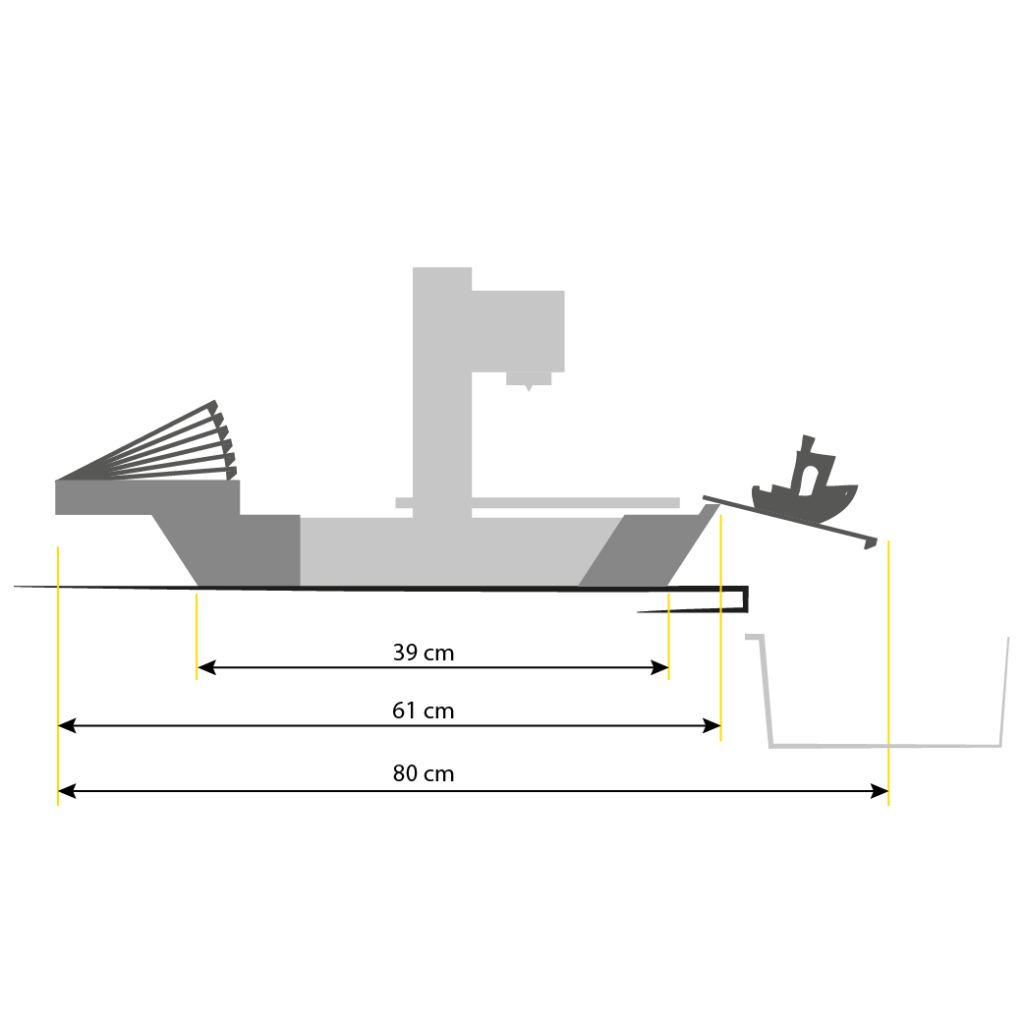
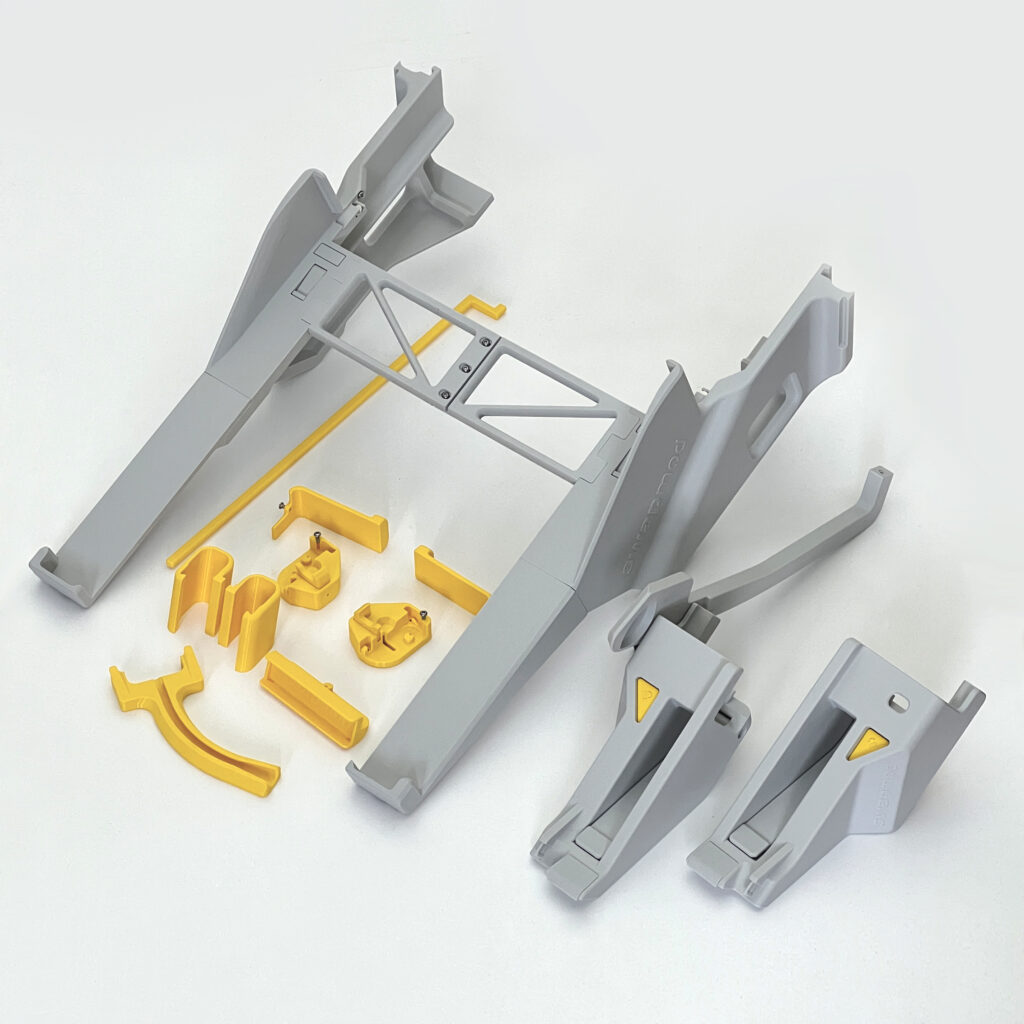
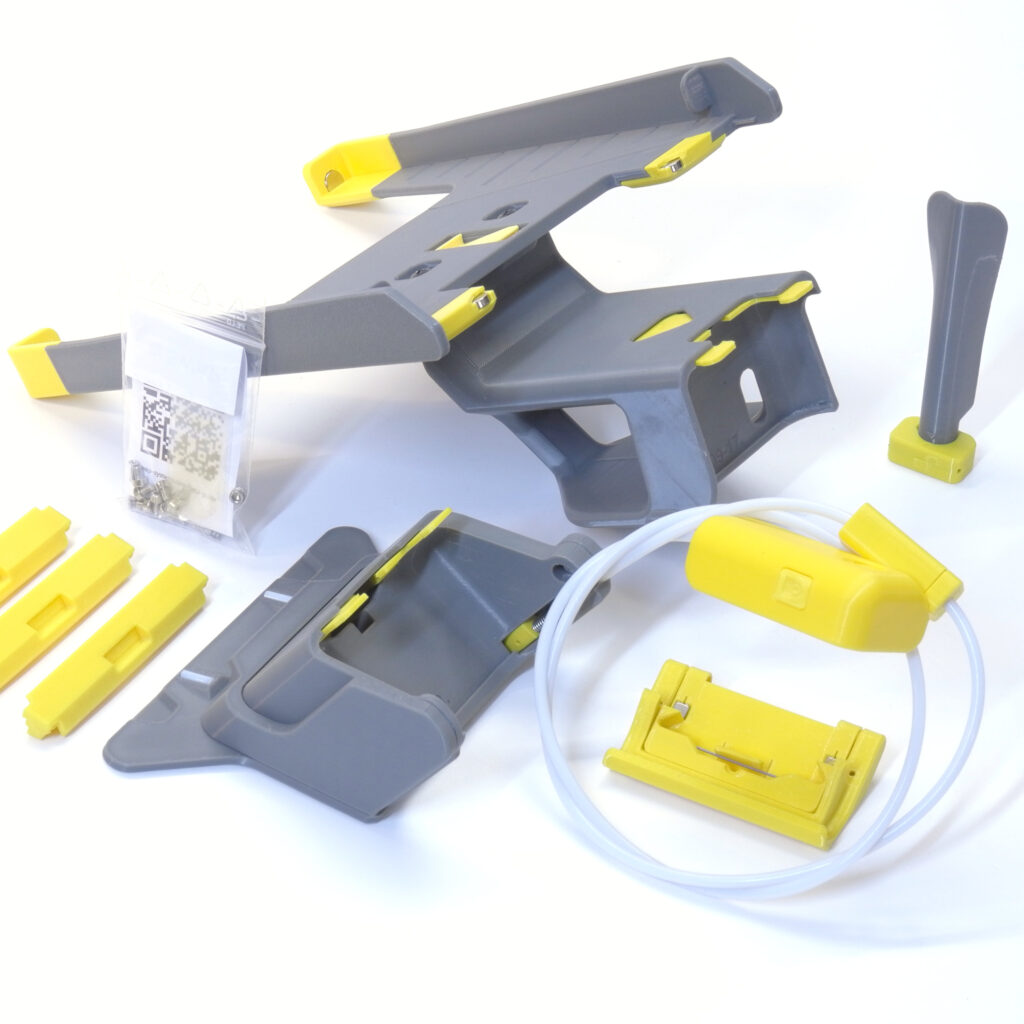
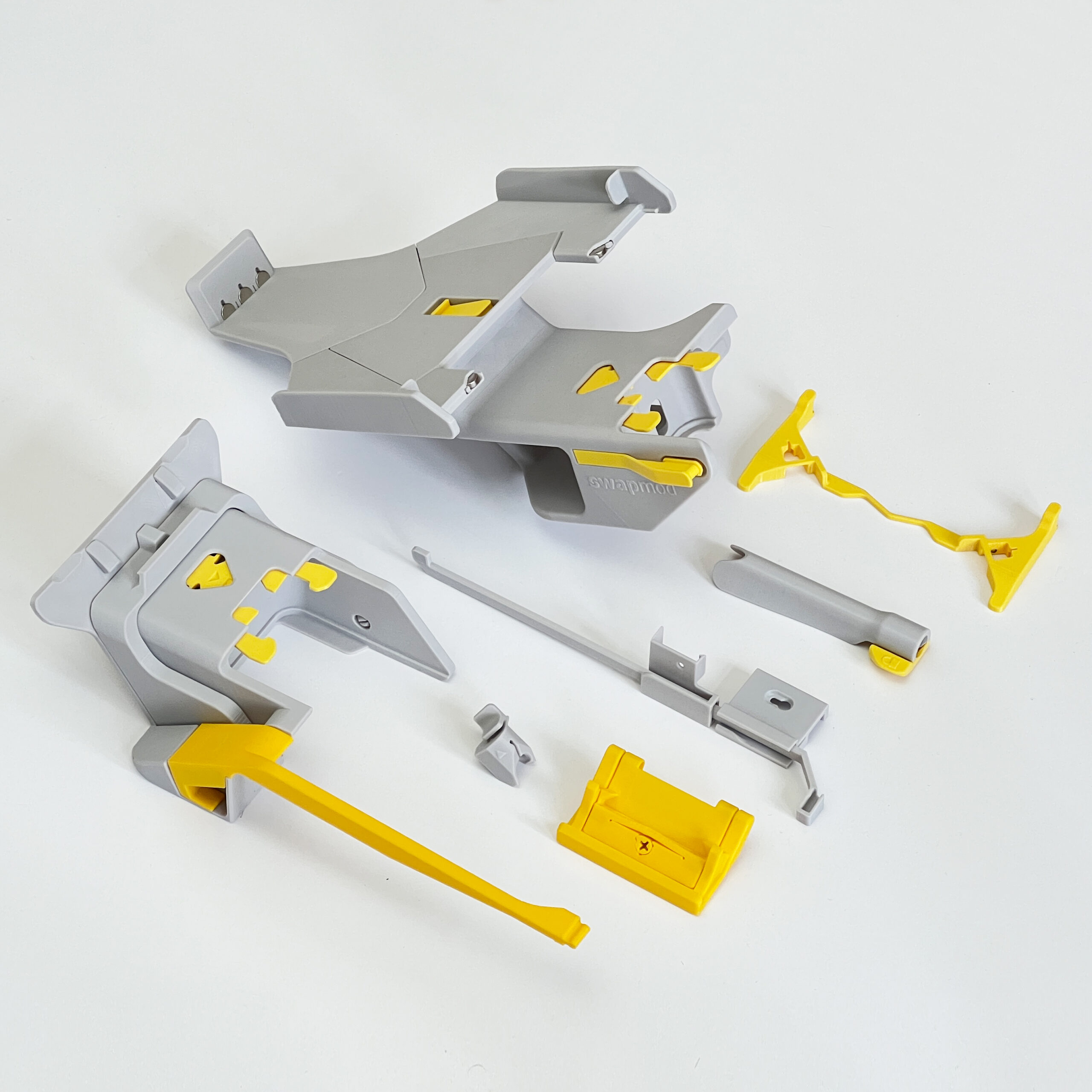
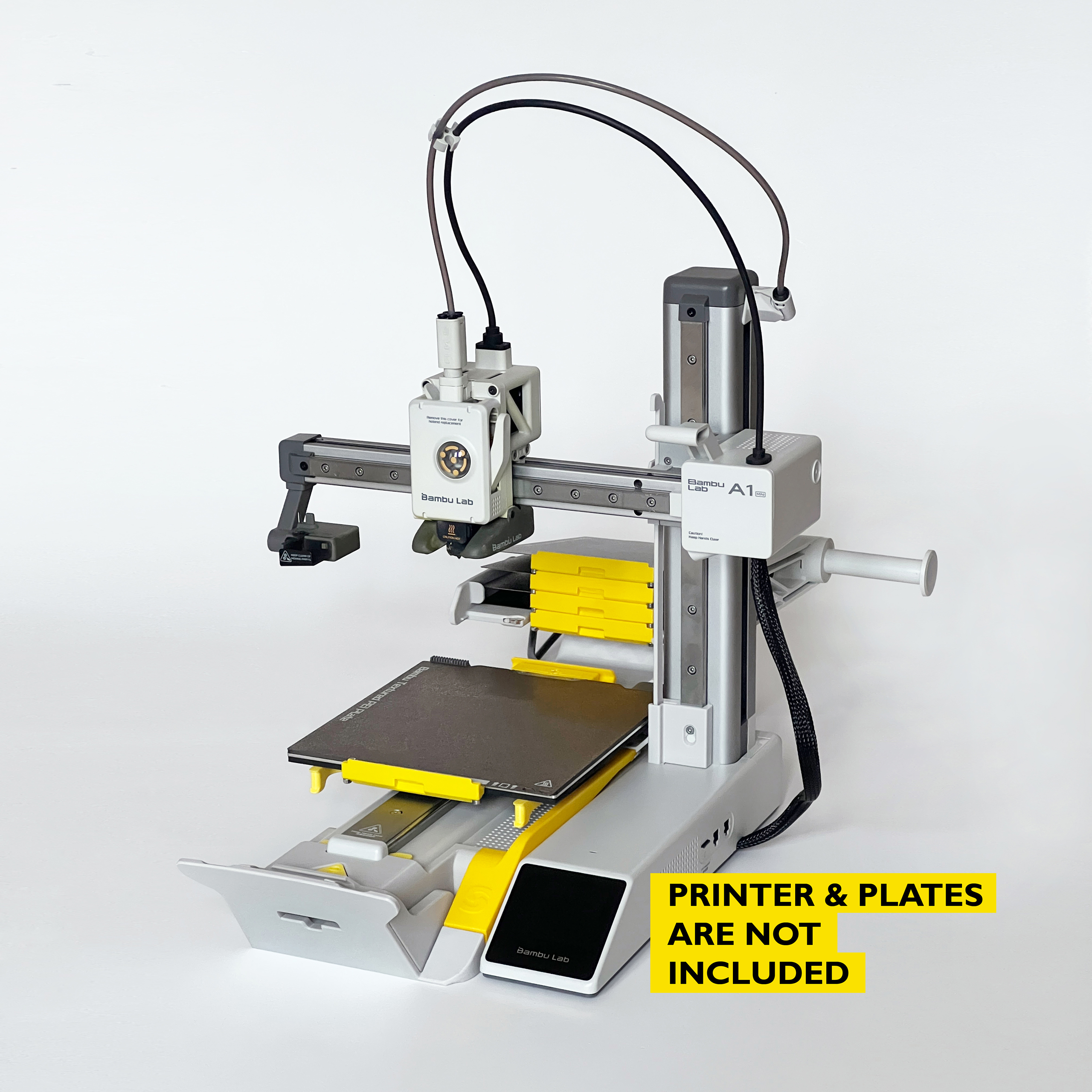
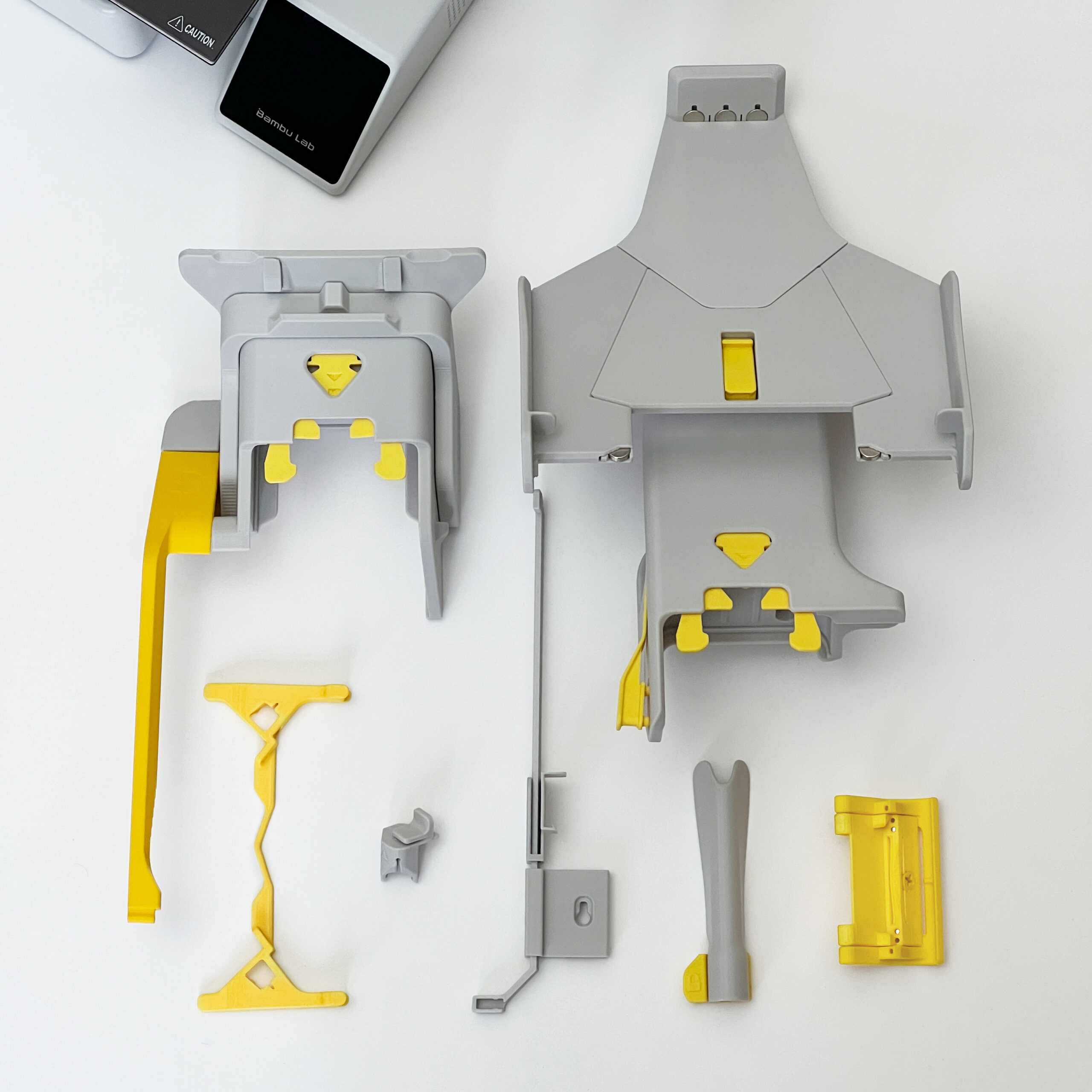
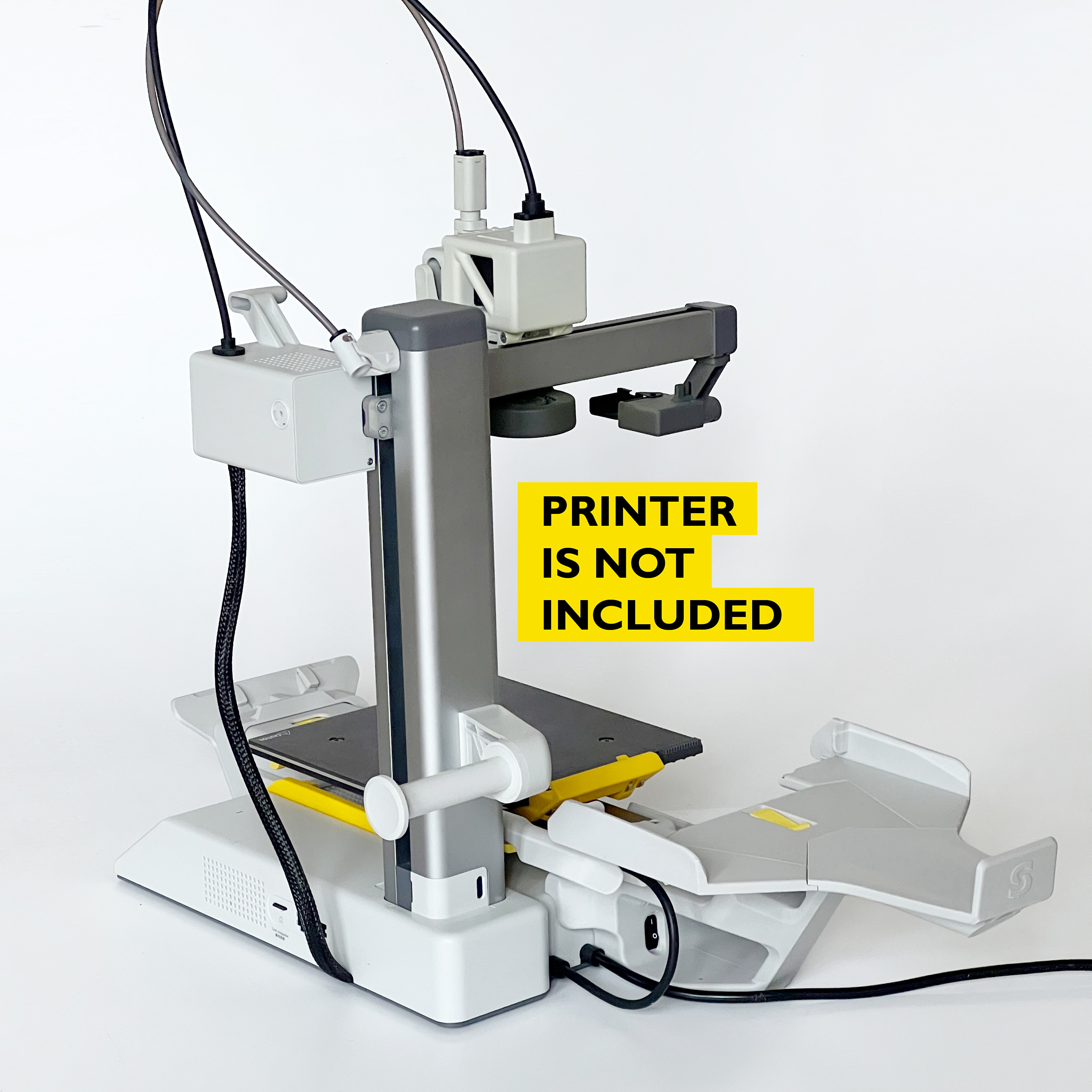
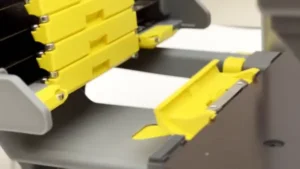
swapmod adds a plate magazine and an ejector to a Bambu Lab A1 mini. When a plate finishes, the printer pushes it out of the way and pulls a fresh one into position by itself. Your printer works through a queue of plates instead of stopping after every job.
You can print several plates from one project file, combine multiple project files into one queue, or repeat the same plate as often as you like. Drag your sliced gcode.3mf files into the swaplist app, set the order and reps, return to your slicer, hit print.
How the plate changer works
After you start the queue, the printer loads a blank plate from the magazine and prints on it. When the job is done it ejects the finished plate and replaces it with the next blank one. This repeats until the queue is empty or the magazine runs out. There is no restart, no cleaning between jobs, no one standing at the machine.
Why using plate changer
Here are some of the most relevant benefits of plate changing automation:
- It’s comfortable: pick up your printed parts whenever you have time, not when the print job is finished
- Printer “grows”: Your cumulated printing volume increases by the total size of all the plates loaded into the magazine.
- ️Efficient: reduces waste to the minimum when printing objects of different colors on separated plates
- Reliable: reduces the risk of failed prints by distributing objects across multiple plates
- Scalable: increase your productivity while reducing machine downtime and labor costs to the minimum
- Cost effective: the add-on + few plates costs less then another printer
What you need
- A Bambu Lab A1 mini and at least two build plates
- Bambu Studio or Orca Slicer, which you are almost certainly using already
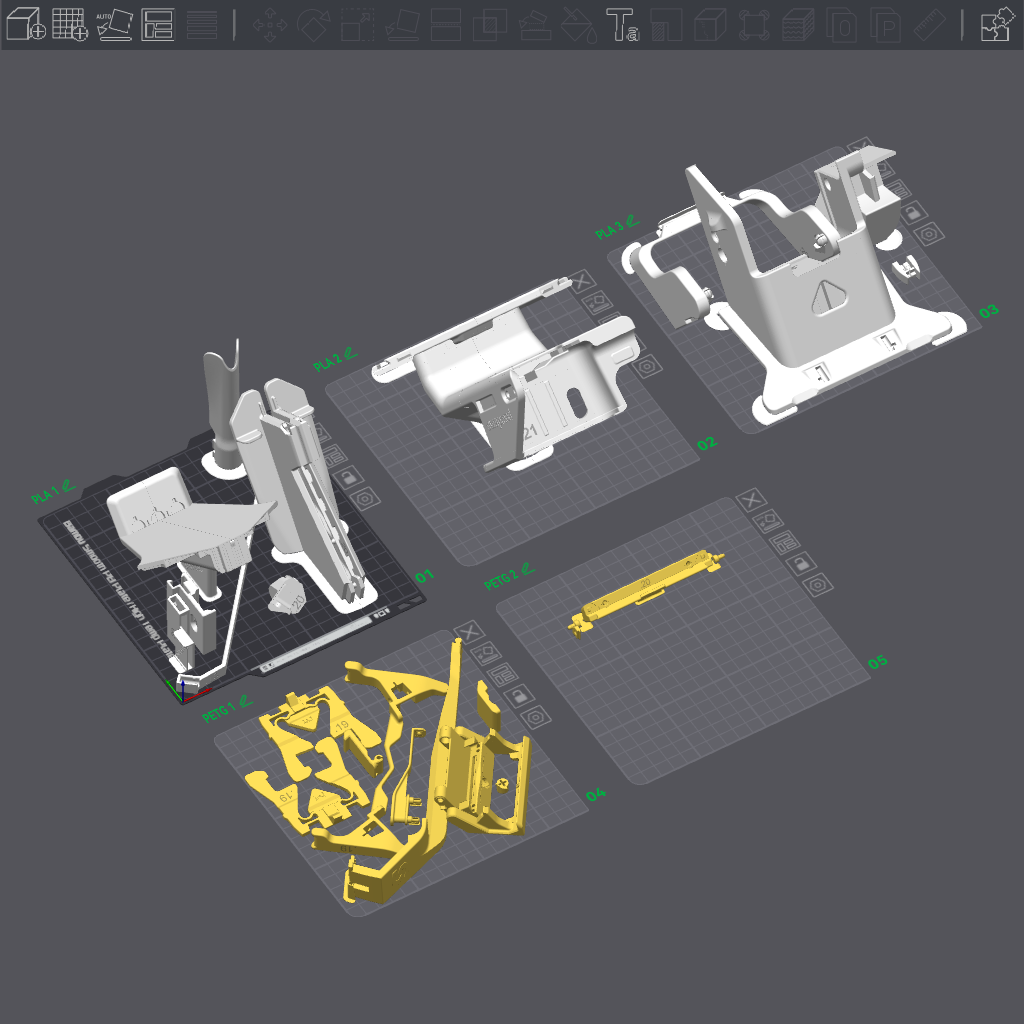
- About 450g of PLA (roughly 16 hours of printing)
- About 100 g of PETG (roughly 6 hours of printing)
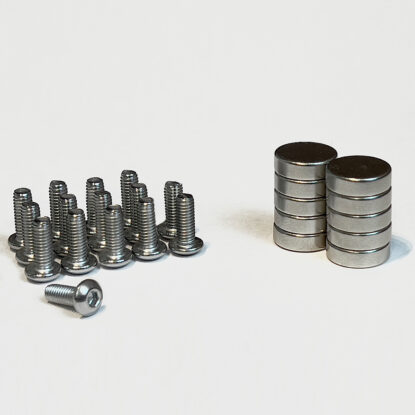
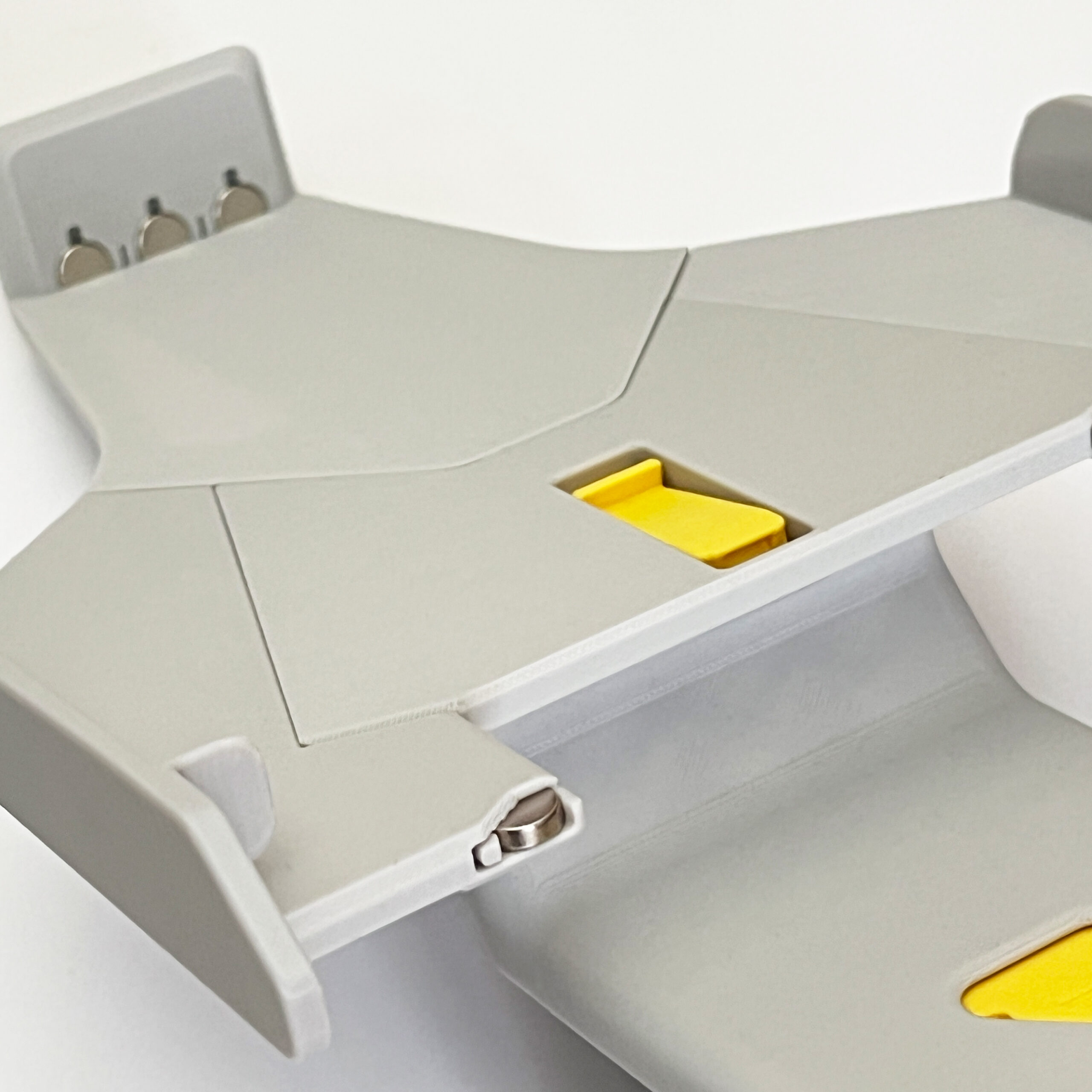
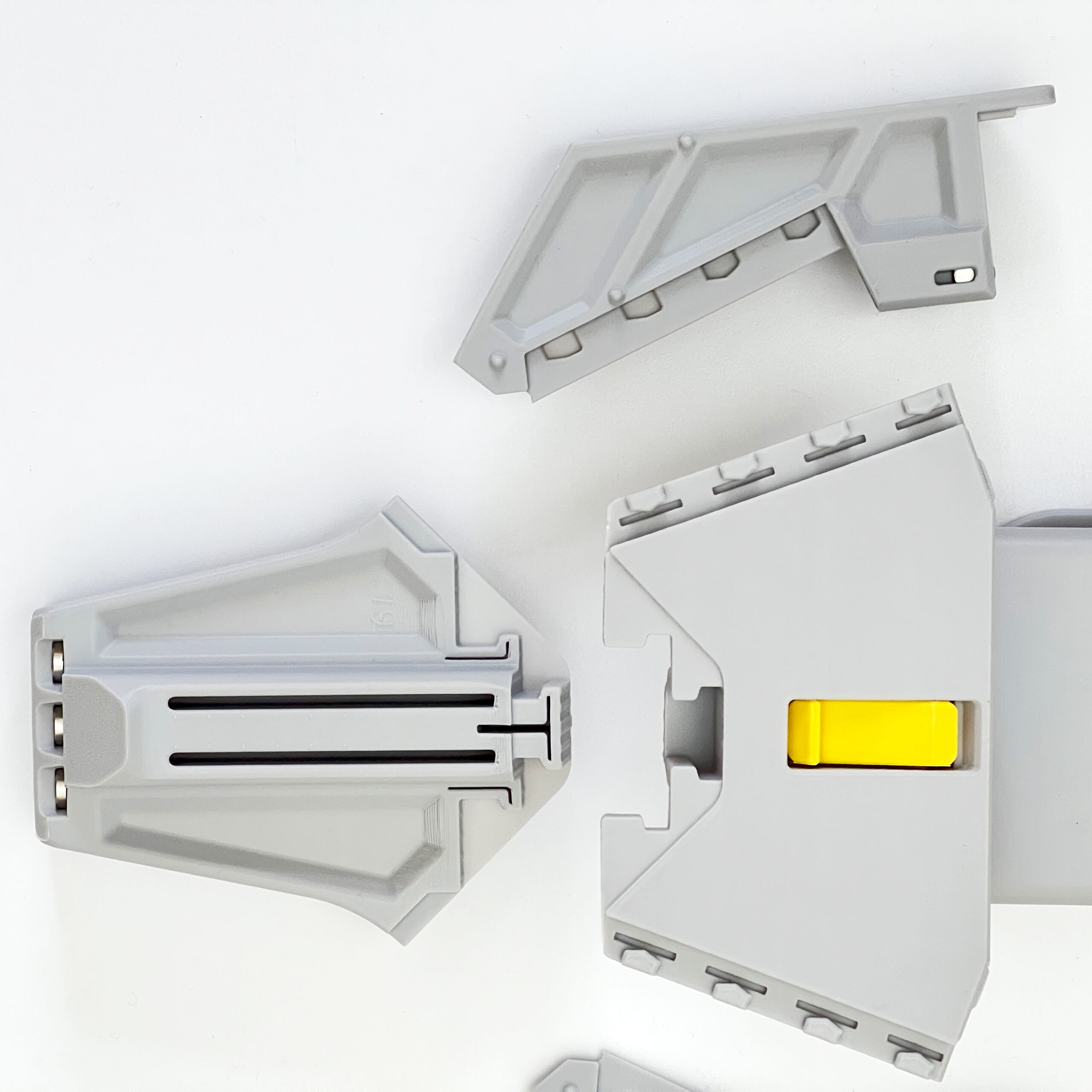
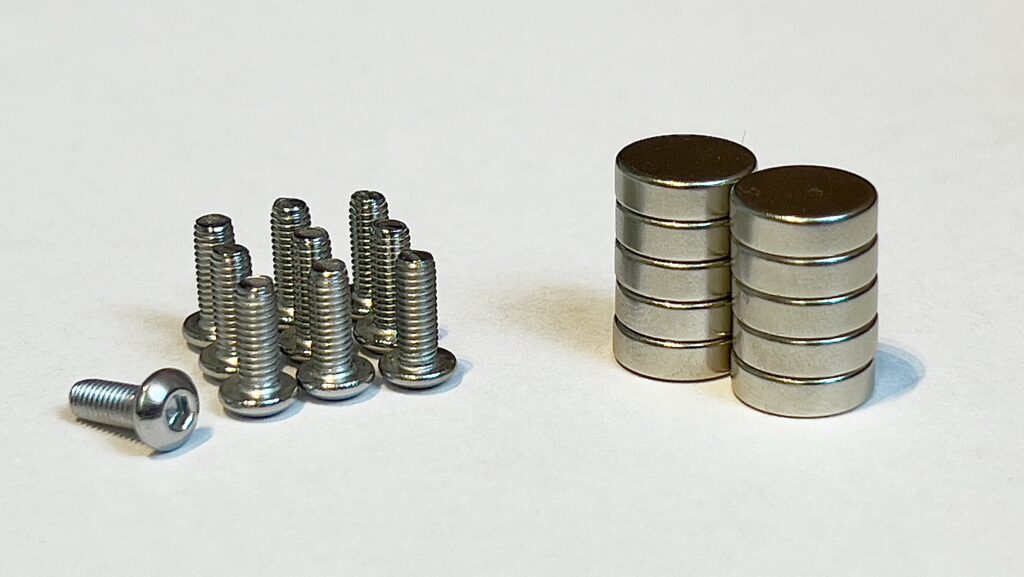
- 10 round magnets, 10 mm diameter, 3 mm thick
- 5 button head screws, ISO 7380-1, M3 × 8 mm, plus 1 screw for each build plate
A pre-composed set of screws and magnets is available in our shop (EU shipping only). As these are standard hardware components, they can be sourced from anywhere, including your local supplier.
What you get
- The complete 3MF file with all presets — load filament, press print
- A detailed video assembly guide
- A self-test file to confirm everything works before your first real queue
- Access to the swaplist app, which builds the print queue for you
- Free access to every future revision of the files
- An invitation to the swapmod Discord, where users and our moderators answer questions
Why a download and not a box
Selling printing time to someone who owns a 3D printer is like selling bread to a baker. As a digital product swapmod costs less, updates itself, and never runs out of spare parts – if you break a component, print another one. One purchase equips as many of your own printers as you own. You may not resell the files or printed parts.
What are the benefits over comparable systems
- Affordable – Minimal investment to get started with automated plate changing
- Instant – Download immediately after purchase and start printing right away
- Scalable – Equip unlimited additional printers at no extra cost
- Updatable – Free access to all future file updates and revisions
- Repairable – You can reprint any part as you get all files
- Simple – Assembles in minutes following a video guidance with only a few non-printed components required
- Community – Join a large, active Swapmod user base and Discord community for tips and support
- Extendable – Expand functionality with free mods and accessories, including a rail system and custom hooks for Cryogrip plates
- Original – Support an innovation-driven product and its continued development
Honest limitations
- You still remove the parts from the ejected plates yourself. Swapmod automates plate changes and restarts, not post processing.
- The magazine has a practical limit of around fifteen (recommended ten) A1 mini plates on the. Longer runs need reloading. However, you can still reload ejected and cleared plates into the magazine while the printer is running.
- It is a DIY product. You print and assemble it, so the result depends partly on your printer and filament presets being well tuned.
- Plate changes are reliable but not infallible. A failure usually means the printer stops, not that anything breaks — but see the safety notes below.
- Bambu Lab’s manual says nothing should sit in front of or behind the printer. swapmod does exactly that. Your printer warranty may not cover damage caused by using it. The full safety notes are above in a product safety tab. Please read them before buying. If you are not comfortable with these risks, this product is not for you.
Frequently asked
Does it work with the AMS/-lite/-PRO?
– Yes.
Do I have to modify my printer?
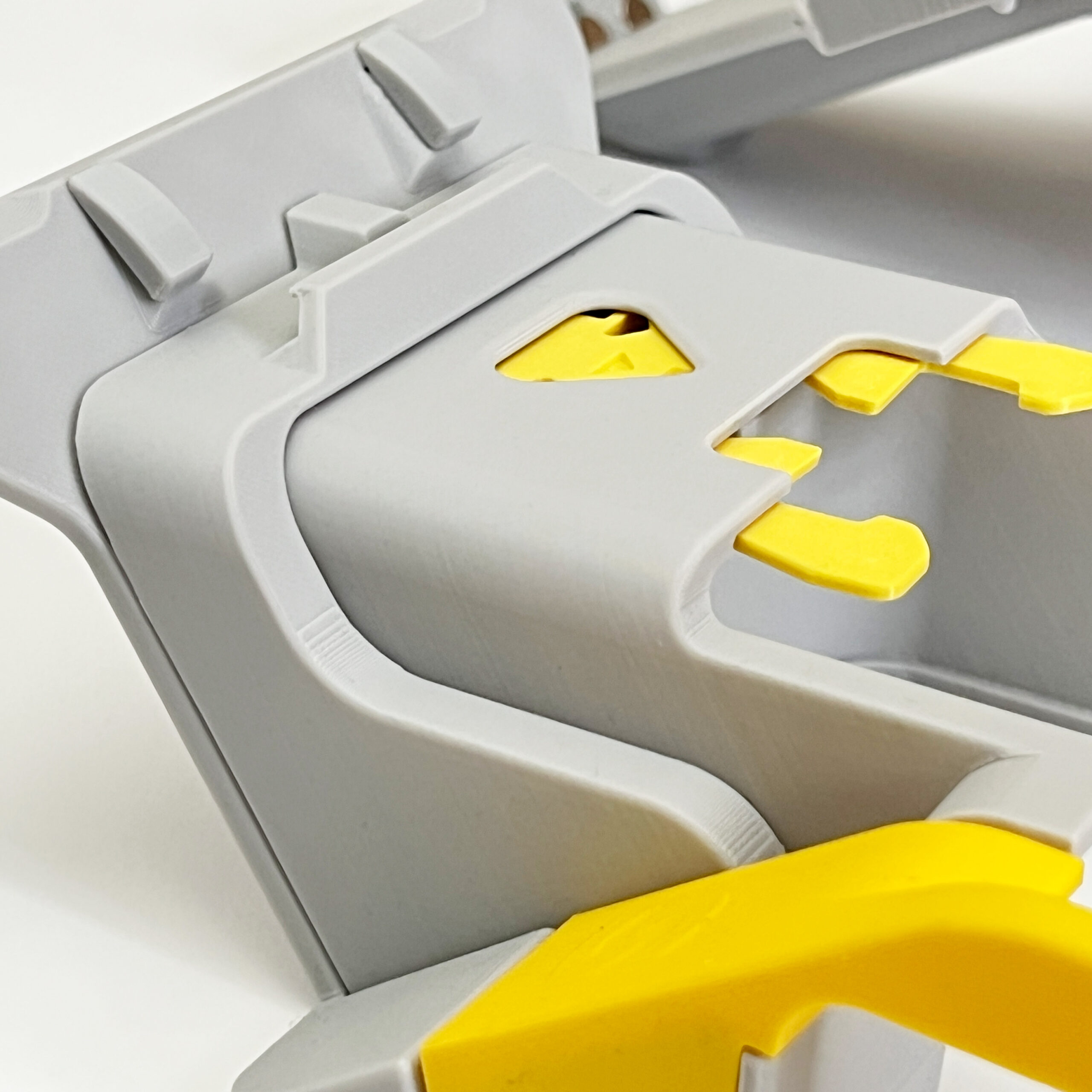
– No. Everything clips on and comes off again without a trace.
Can I use it on more than one printer?
– Yes, on as many of your own machines as you like. You may not sell the parts.
Does the app need an internet connection while printing?
– No. It only prepares the queue beforehand, so it does not need to run during the print.
Which plates are compatible?
– We prepared a video (link) to address this question.